
Quick start — build a course
This walkthrough takes you from an empty Studio shell to a publishable CPD course in roughly 30 minutes. If you’re new to the Learning Hub, skim What is Studio? and What is the LMS? first.
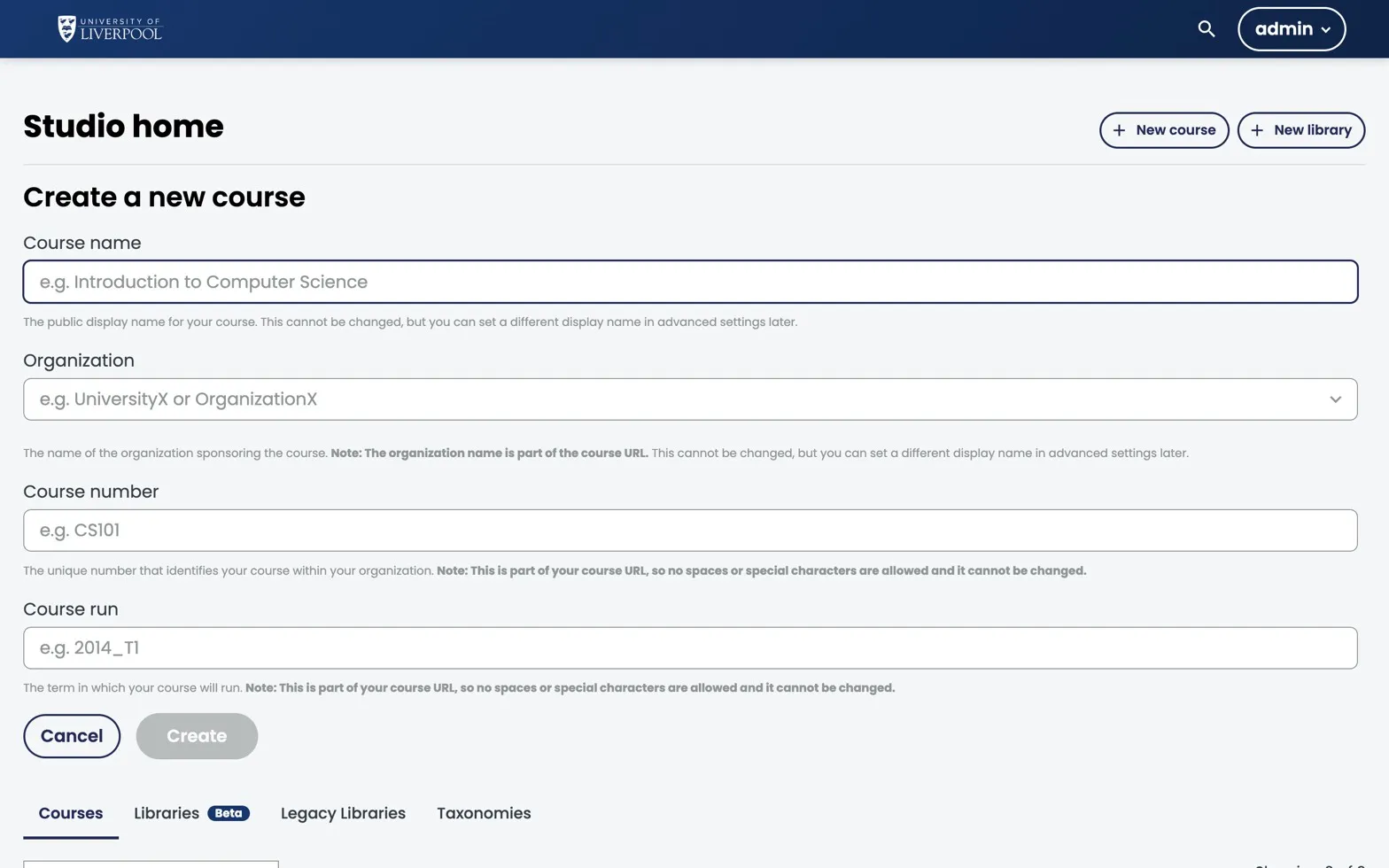
Studio’s Create a new course form. You’ll fill this in once at the start of every new CPD course.
You’ll create
- A course shell with title, number, run, and start date.
- A section → subsection → unit hierarchy.
- One text component and one multiple-choice question.
- A publish + course-about page review.
Steps
- Sign in to Studio at
studio.learning.endo360.ukwith your author account. - Create a new course. From the dashboard, click New Course. Use your faculty’s course code as the Course Number and the calendar year as the Run (e.g.
ENDO101/2026). - Add structure. Open Outline and add a Section (“Module 1”), then a Subsection (“Diagnosis”), then a Unit (“Case overview”).
- Add content. Inside the unit click Add Component → Text, paste your introduction, and save. Then Add Component → Problem → Multiple Choice for a knowledge check.
- Publish the unit. Click Publish in the unit sidebar. Set visibility to Public when ready.
- Set CPD metadata. In Settings → Schedule & Details add the CPD hours, GDC development outcomes, and a course image.
Next
- Plan a new course — pedagogy and instructional design.
- Create and manage components — full content reference.
Liverpool Dental Learning Hub — author guide.
Built by BrainJam
for the University of Liverpool School of Dentistry.