
View certificate data
For CPD reporting, the certificate ledger is what matters — every issued certificate is a defensible record of completion.
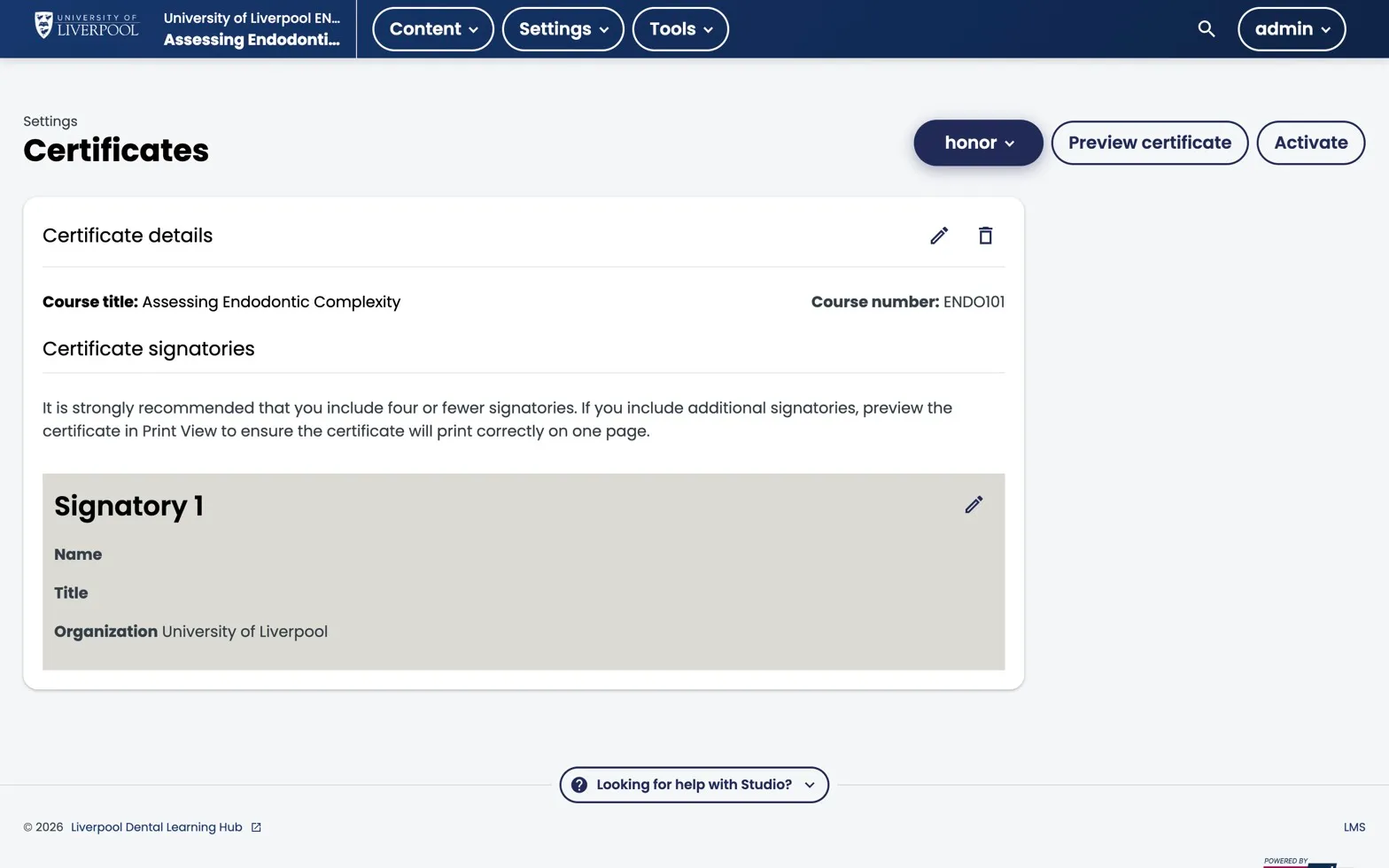
Studio → Settings → Certificates. Configure the certificate (signatories, organisation, mode) here, then click Activate to start issuing on pass.
Enabling certificates on a course
Certificates are off by default on new courses. To enable:
- Studio → Settings → Certificates.
- Configure a certificate (title, signatories, CPD hours).
- Activate the certificate.
- Verify the course’s grading policy (pass threshold) is set correctly.
How certificates are issued
In self-paced courses, certificates generate automatically when a learner crosses the pass threshold. No manual issuing required.
If the threshold or course content changes after enrolment, run Instructor → Certificates → Regenerate Certificates to re-evaluate.
Auditing issued certificates
Instructor → Data Download → “Certificate Status Report” — CSV listing every learner who has earned a certificate, with date and grade.
For Liverpool Dental CPD recordkeeping, this is the canonical export. Keep dated copies.
Re-issuing or revoking
- Re-issue — Instructor → Certificates → Set Certificate Mode → Generate.
- Revoke — Instructor → Certificates → Invalidate Certificate and provide a reason. The certificate URL stops working; the learner sees a “revoked” notice.
Revocation is rare but matters for compliance — e.g. if a clinical guideline change invalidates the course content and you need to require a retake.