
Run content experiments
Content experiments randomly assign learners to one of several variants of the same content — e.g. a short video explanation vs a long text explanation of the same concept. Useful for evidence-based course design when you have the volume.
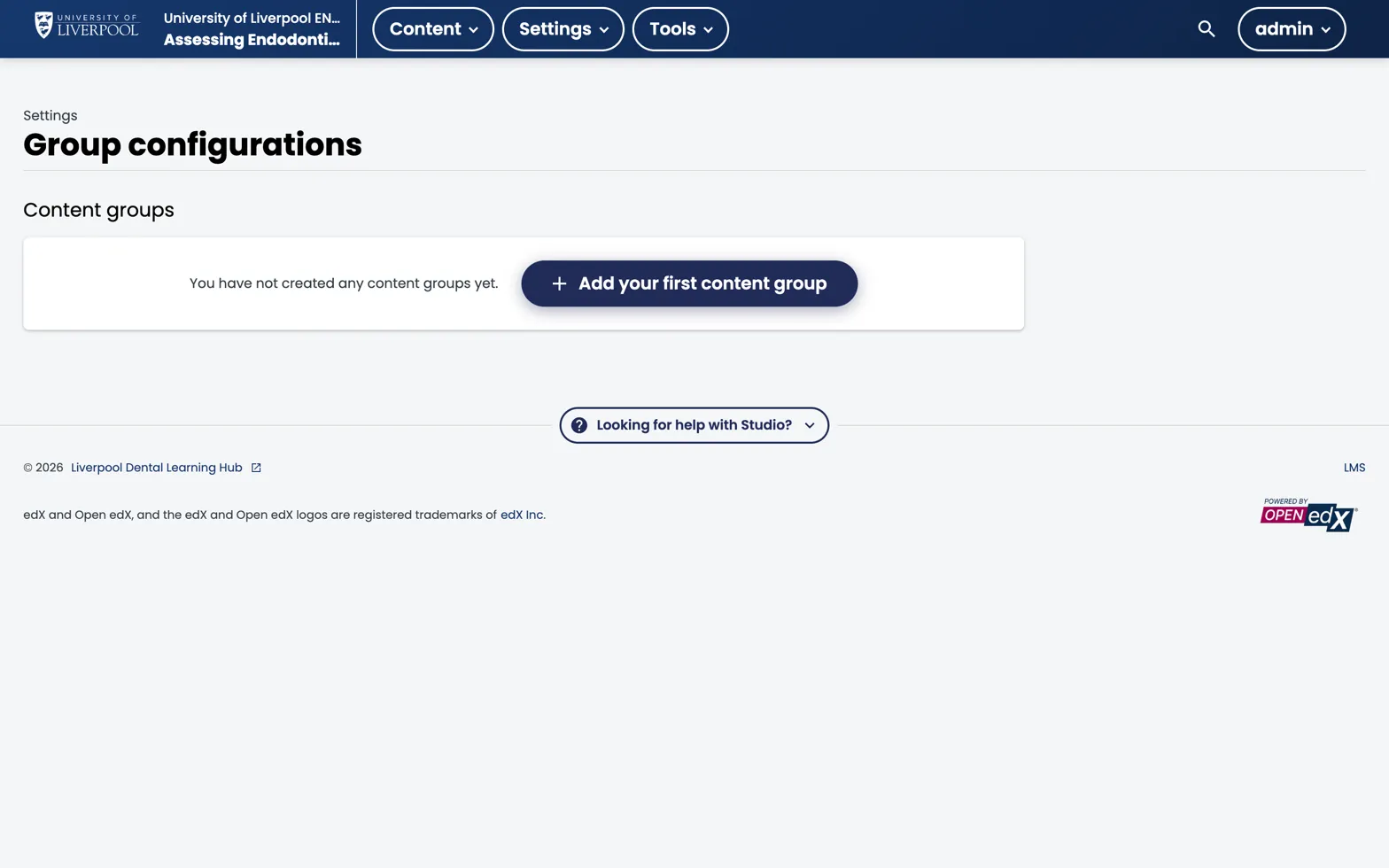
Studio → Settings → Group configurations. Experiment Group Configurations live on the same page as content groups (further down once added).
Realistic expectations
For a Liverpool Dental CPD course you probably need at least 200 learners per variant before the comparison is meaningful. Below that, run it as a learning exercise but don’t claim significance.
How to set one up
- Studio → Settings → Group Configurations → Add an Experiment Group Configuration.
- Define your variants (typically two: A and B).
- In a unit, drop a Content Experiment component.
- Add variant content inside the experiment block.
Each learner is randomly assigned to a group on enrolment. They stay in the same group throughout the course.
Measuring outcomes
Use the Problem Grade Report and filter by group. Compare:
- Mean score on the experiment-adjacent assessment.
- Time spent on the variant content.
- Drop-off rate after the experiment unit.
When to use cohorts instead
If you want to deliberately show different content to different learners (not random), use Content Groups + Cohorts — not experiments.