
View learner data
For per-learner activity (what they’ve watched, what they’ve answered, when they last logged in) you have two paths: the instructor dashboard reports, and direct queries via the admin/data team.
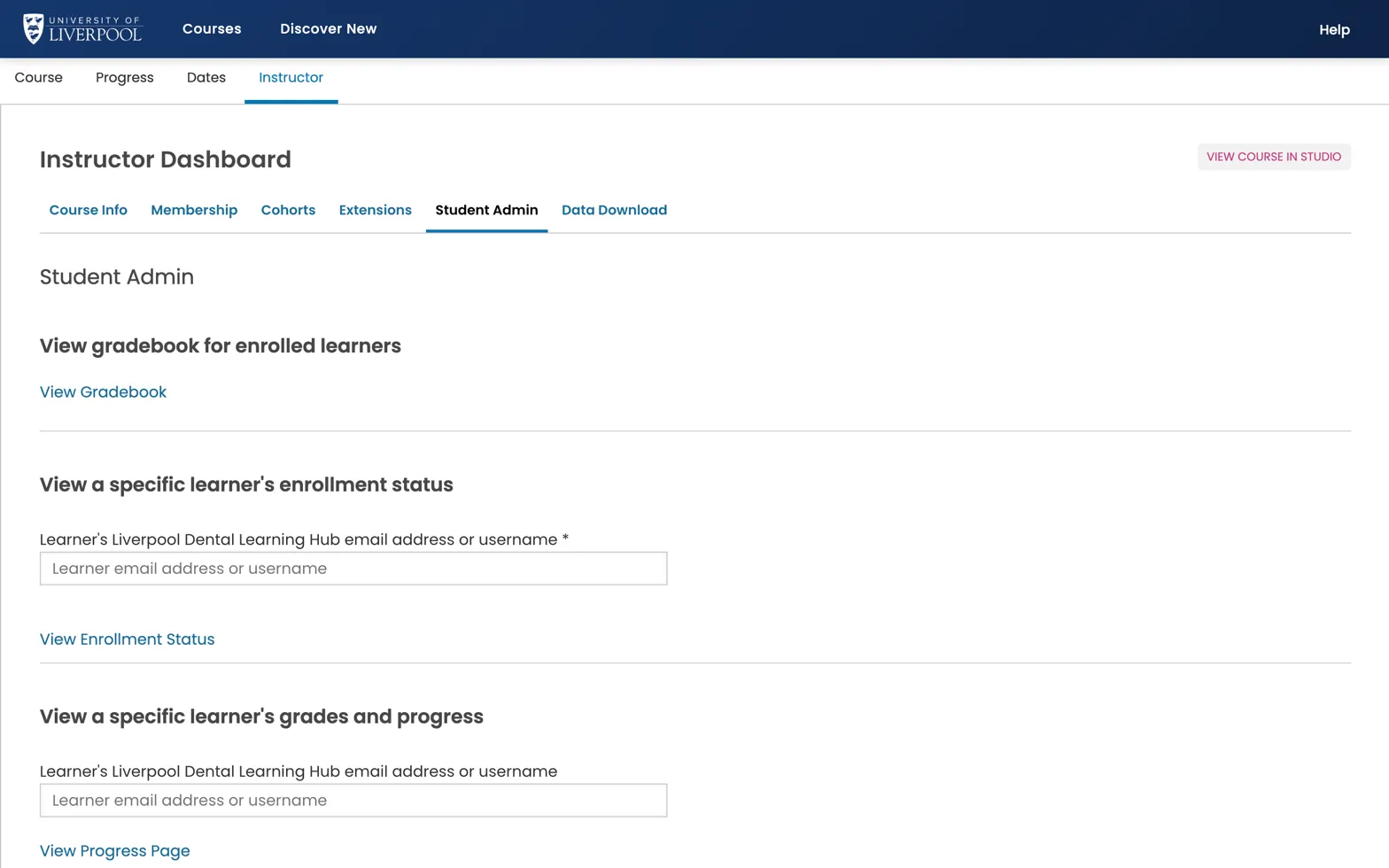
Instructor → Student Admin. View Gradebook for the whole course, or look up a specific learner by email to see their enrolment status, grades, and progress.
In the LMS — Instructor → Student Admin
For a single learner:
- Type their username or email.
- View Course Activity shows last-active date.
- View Progress Page opens their grade view.
- Student Gradebook lets you adjust grades manually.
CSV exports
Instructor → Data Download → “Grading Configuration” and “Grade Report” are the main per-learner CSVs:
- Grade Report — every learner × every graded subsection.
- Problem Grade Report — per-problem scores.
These are large for big courses — queue, then come back to the page.
What’s not in the LMS reports
- Time-on-page, video play heatmaps, click-by-click.
- Cross-course engagement.
Those live in deeper analytics (Cairn / Aspects). Not currently exposed on this deployment — raise a request via support@learning.endo360.co.uk if you need them.
Liverpool Dental Learning Hub — author guide.
Built by BrainJam
for the University of Liverpool School of Dentistry.